If you have any questions about how to purchase tickets, feel free to contact Walter Fenlon & Linda Ann Daly Box Office via email at grandtheatre2@cityofkingston.ca; or by phone at 613-530-2050.
How to purchase a ticket online at KingstonGrand.ca
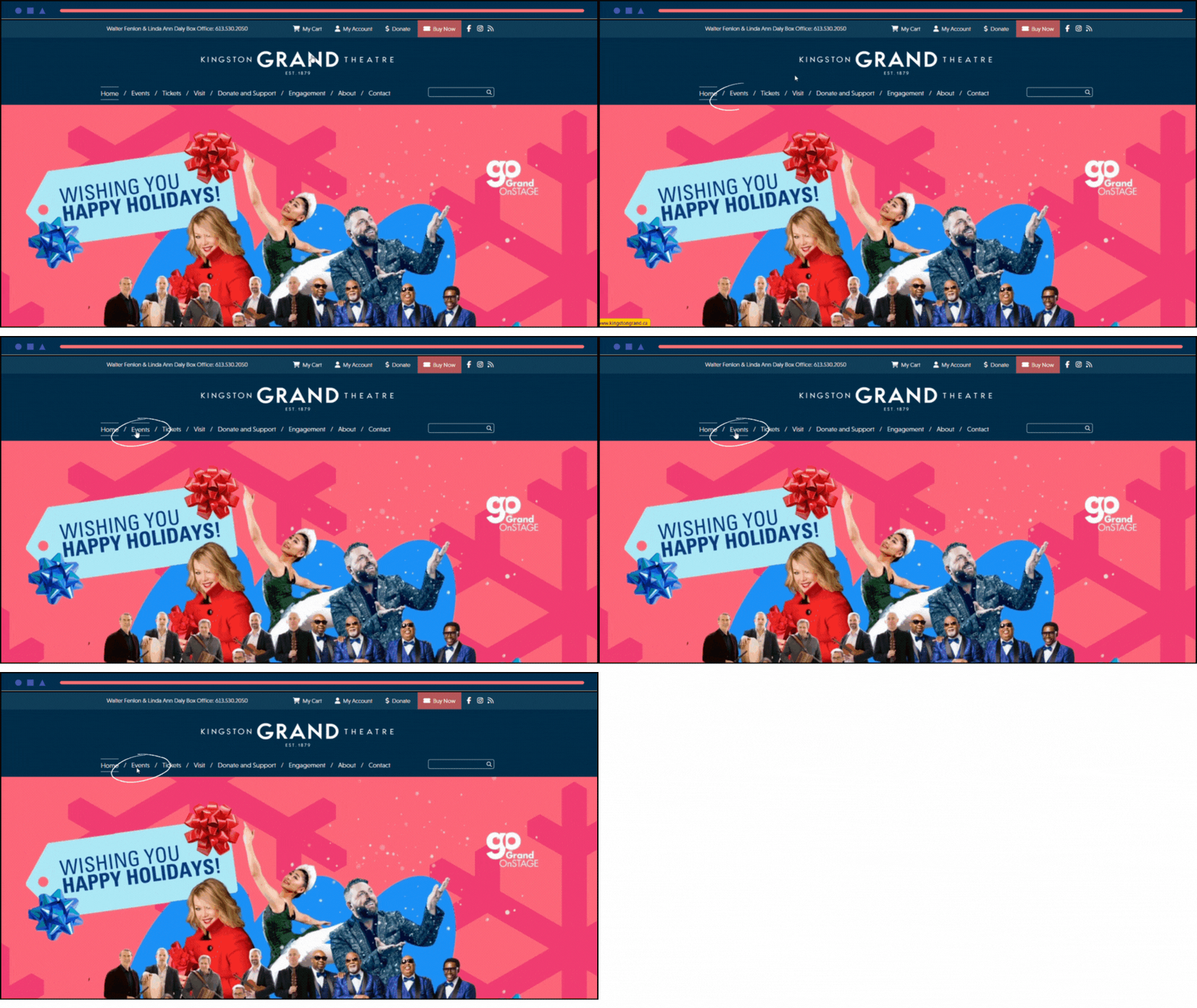
1. Go to events page
From the homepage, select events from the main menu
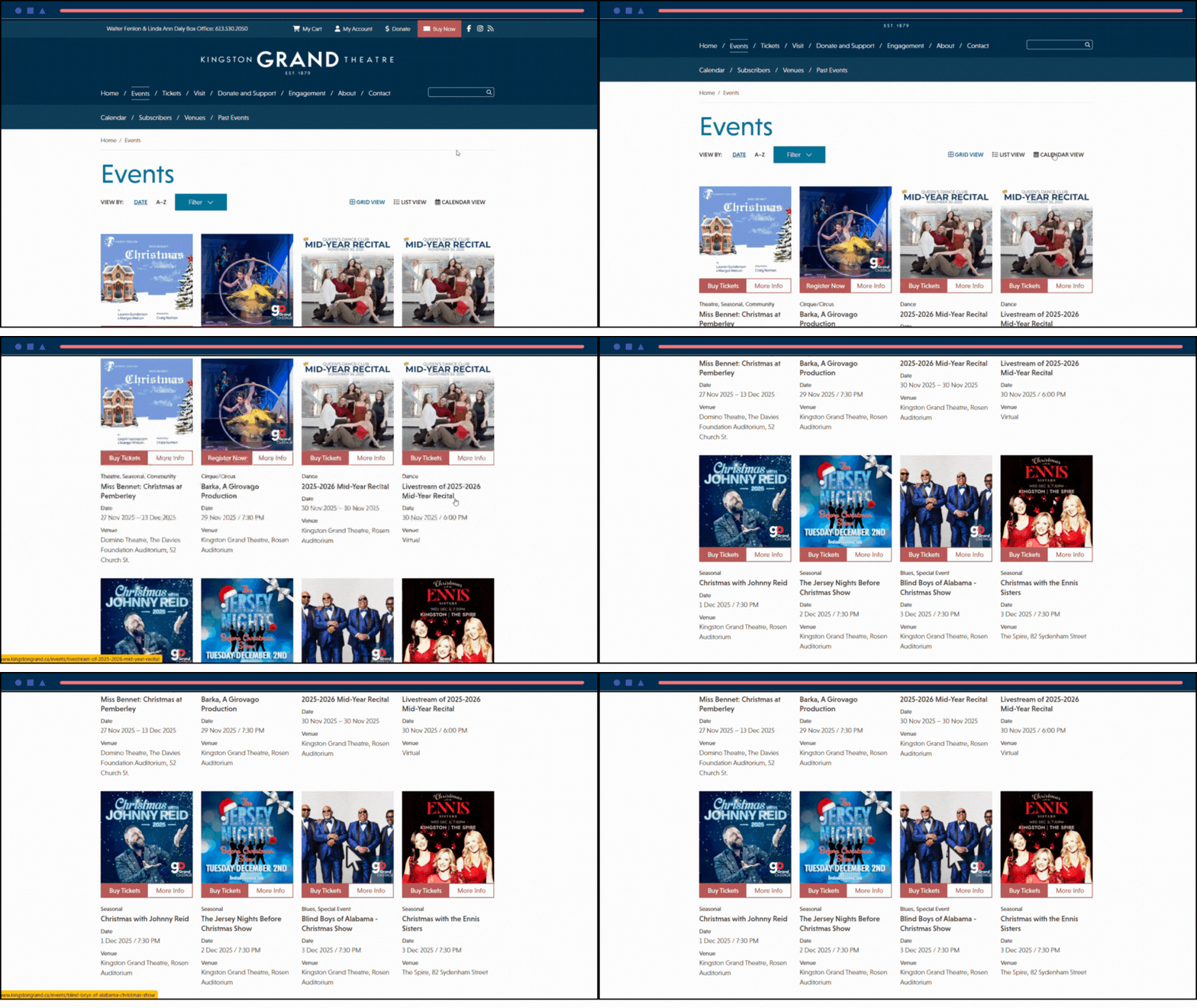
2. Select your event
From this page, click on the show you wish to purchase tickets for
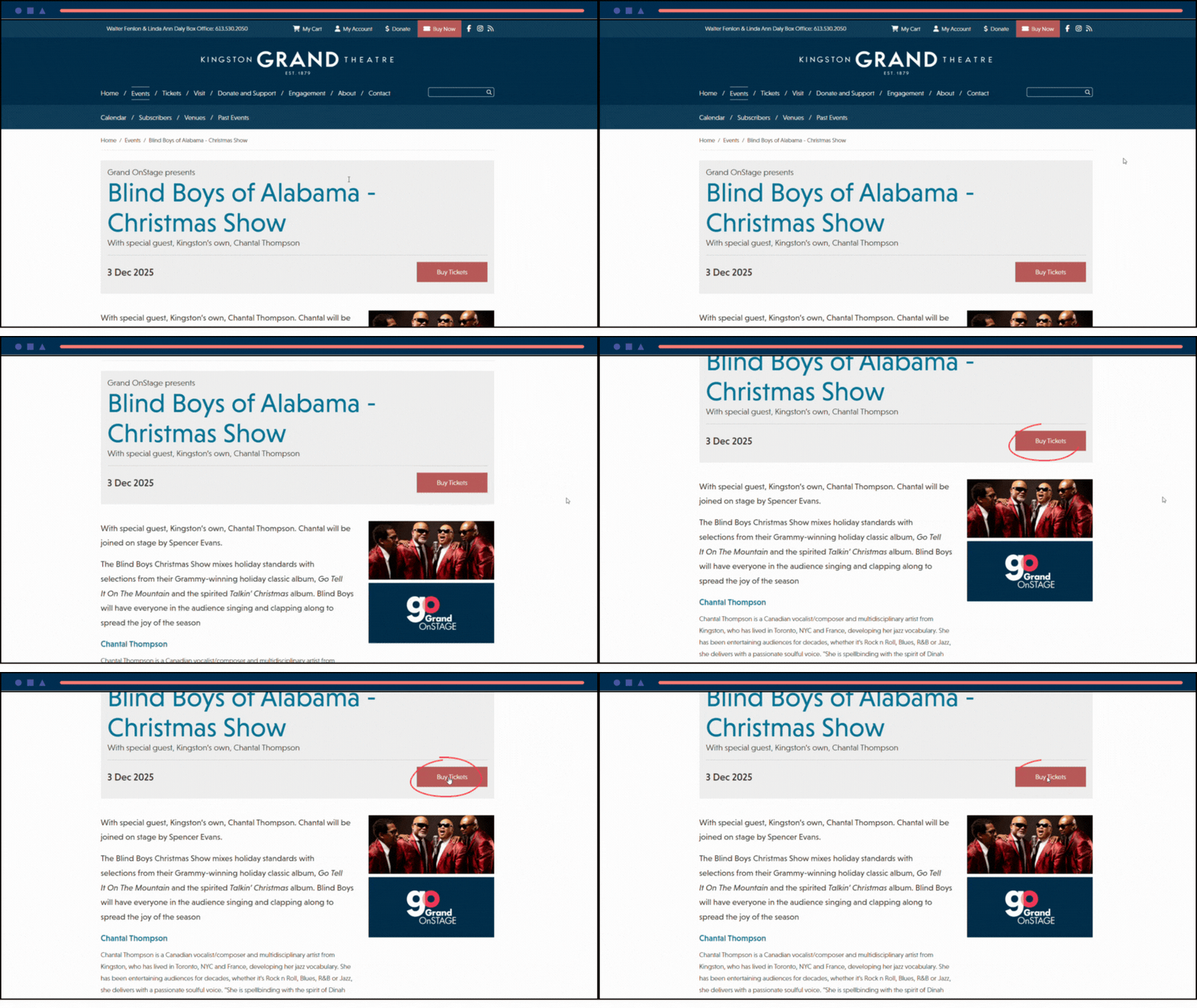
3. Click "Buy Tickets"
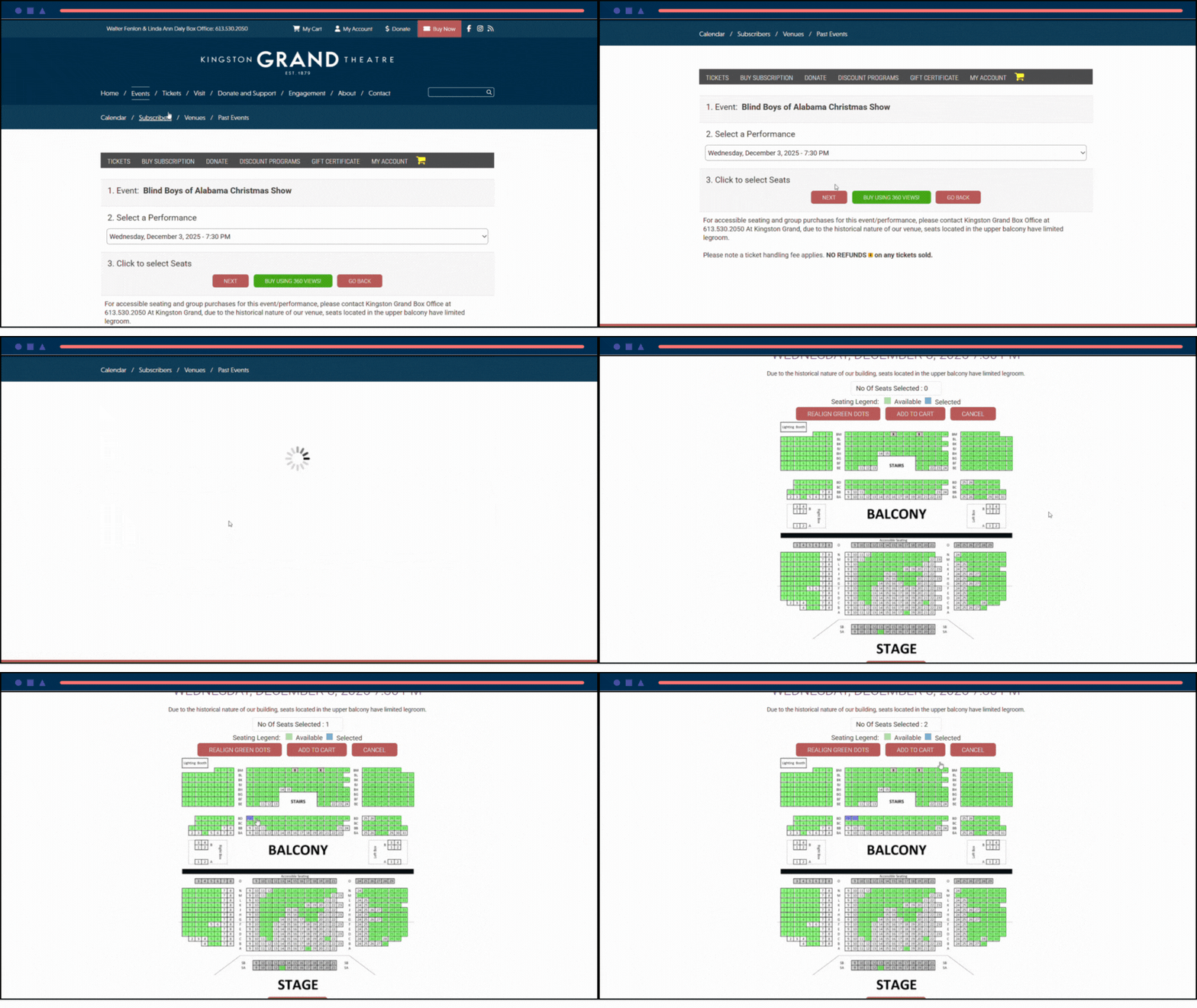
4. Select performance and seats
If there are multiple events and times for this performance, select your choice from the drop-downs and click "Next"
Alternatively, click "buy using 360 view" to use our 3D virtual seat interface.
Select the seats you wish to purchase and click "Add to cart"
5. Check out
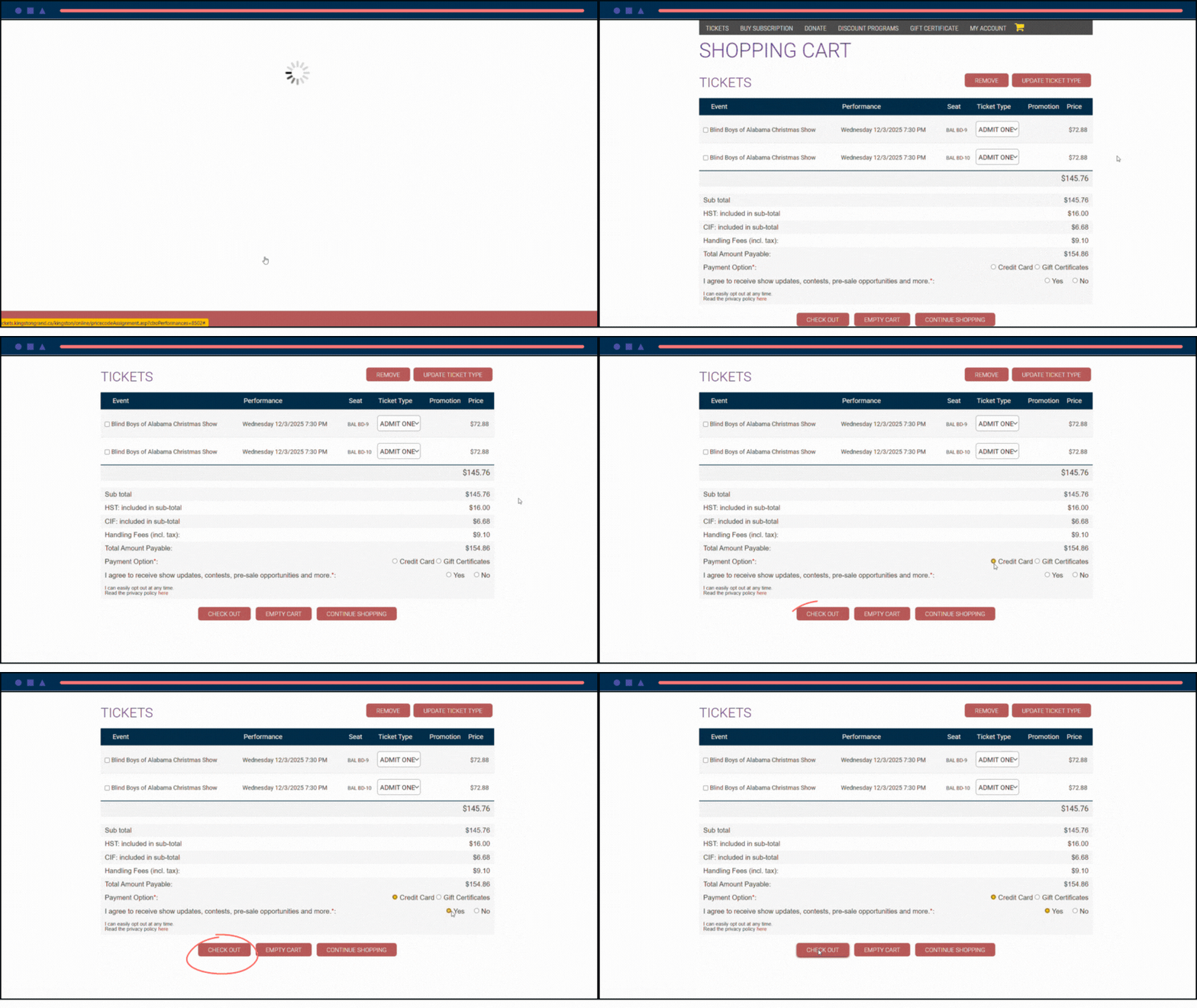
You can adjust your ticket type from the drop-downs next to each ticket.
Choose your payment option.
Choose whether you would like to receive newsletter updates.
Click "check out"
If you wish to purchase more shows, click "continue shopping". You can come back to your cart any time by clicking "my cart" in the top bar of the website.
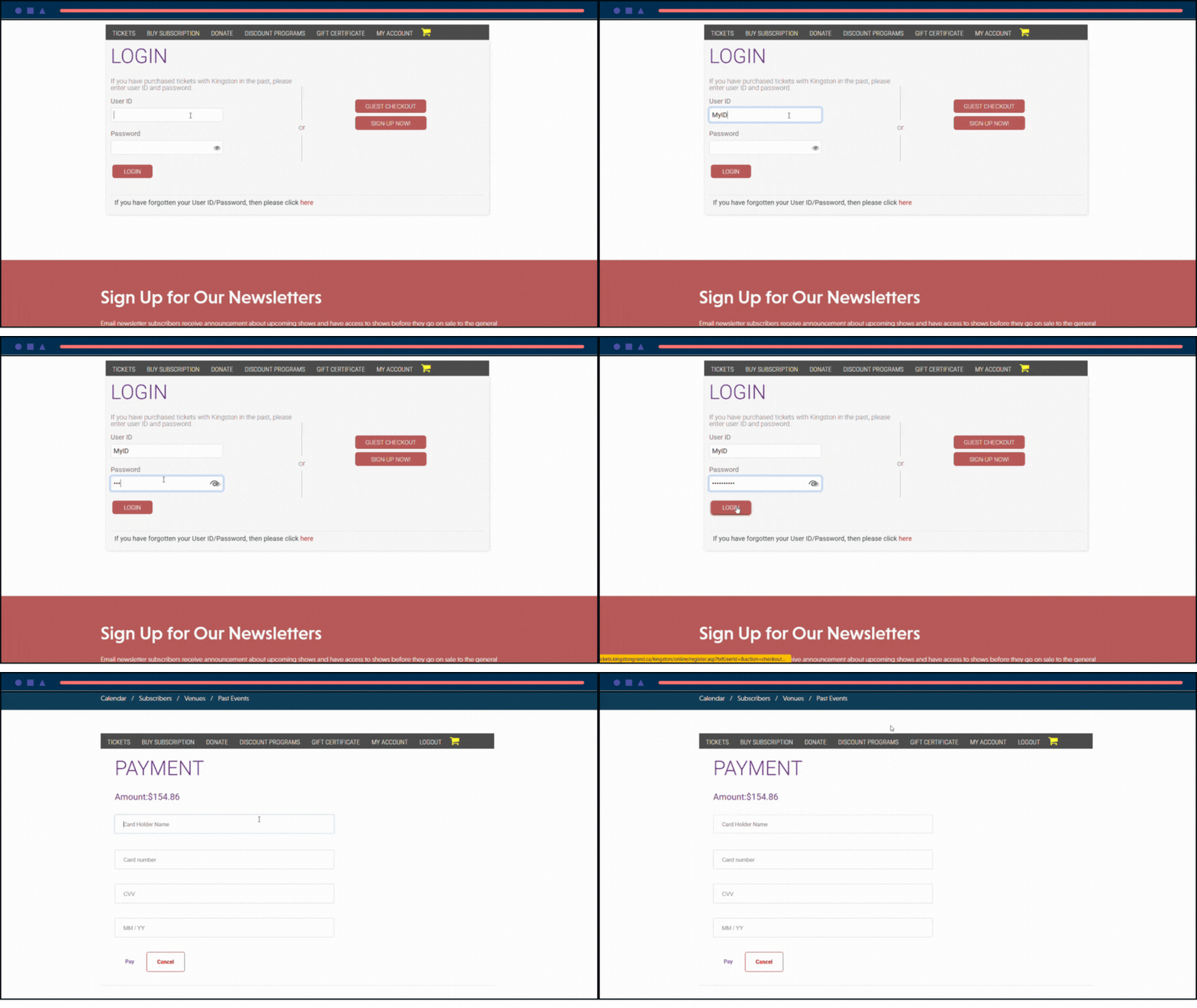
6. Login and pay
Enter your User ID and password. If you do not have one, you can create one by clicking "sign up now". Please note due to increased credit card security, the address in your patron file must match the billing address of the credit card you are using to complete your purchase. Please update your patron file if needed before trying to complete payment.
Proceed to enter your payment details and click "pay" to finalize our purchase. Enjoy the show!